Measurement data & engineering charts
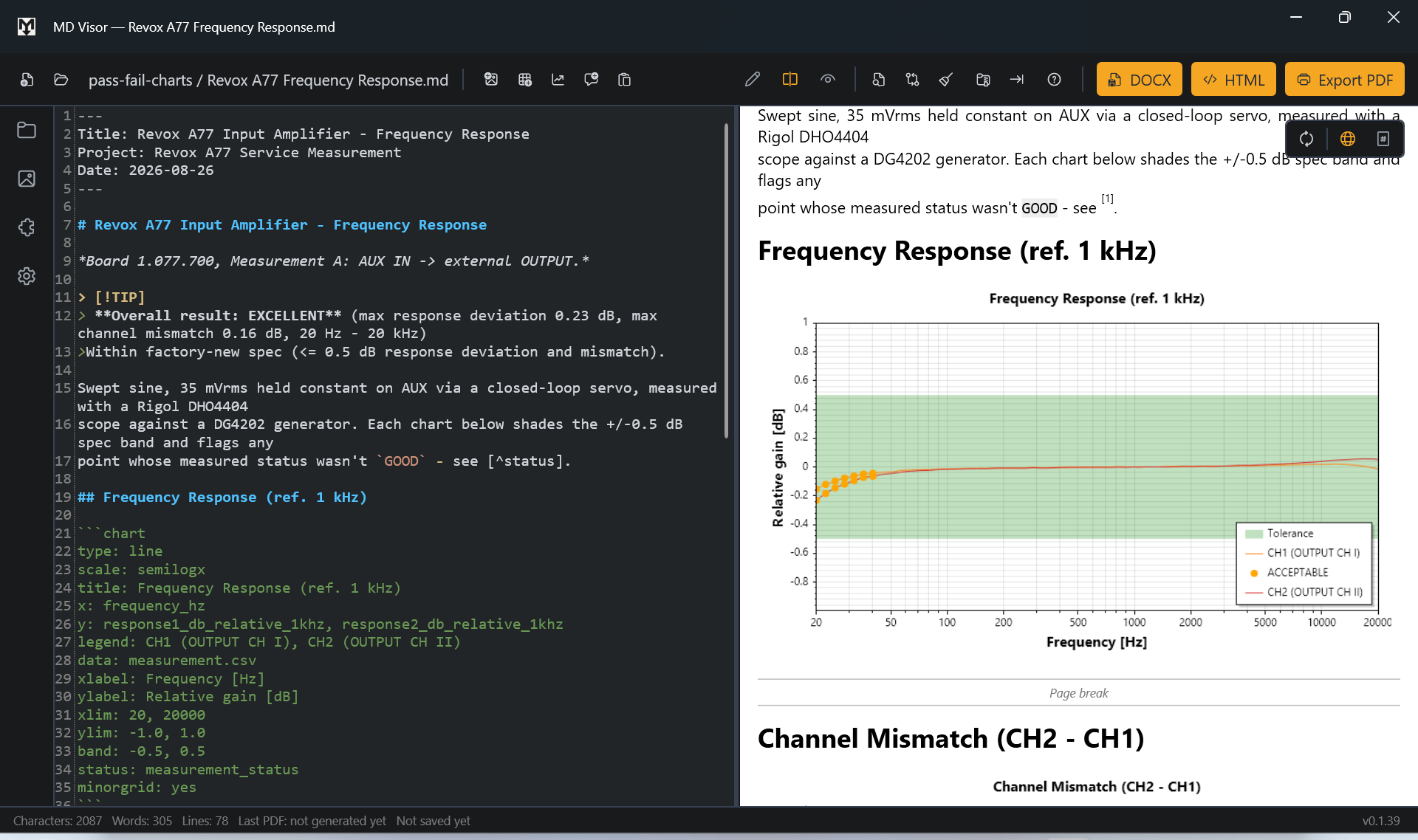
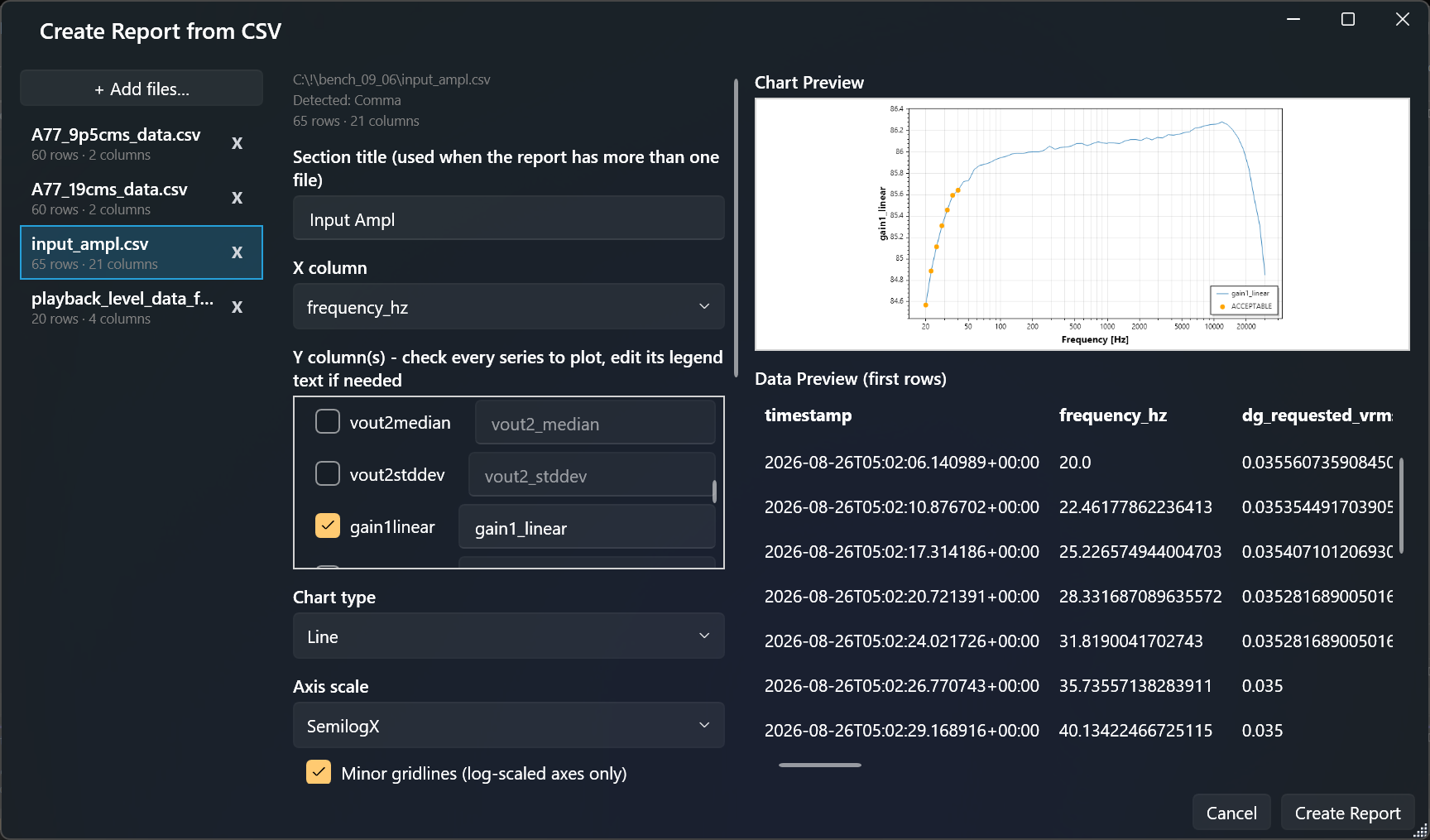
Work directly with CSV measurement and simulation data. Select the columns you need,
create tables, statistics or engineering charts, and keep linked data live when the
source file changes. Frequency-response and other engineering plots can use logarithmic
axes, limits and measurement-oriented chart options.
Technical reporting
Combine measurement results with Markdown text, images, LaTeX equations, Mermaid
diagrams, tables and automatically numbered cross-references in one document.
Print-accurate layout
Switch to the paginated Print Layout to see how the final PDF will look before export -
including page breaks, headers and page numbers.
PDF, DOCX & HTML
Export the same technical document to print-accurate PDF, native Word DOCX, or a
self-contained HTML file. Free to use, no subscription - all export formats included.
Markdown stays yours
The document source remains ordinary readable Markdown. No proprietary visual document
format is required to edit the report, and the source stays inspectable as plain text.
Cross-references
Label figures, equations and tables once and reference them by number anywhere in the
text - numbering updates automatically, and every reference is a clickable link in the
exported PDF.
Your own document style
Use a JSON style profile to control fonts, sizes and colors consistently across Web
View, Print Layout and PDF export - start from one of five ready-made looks or
build a style →.
Share your setup with a team
Bundle document style, page setup, snippets and your header logo into a single file -
export it once, then import it on a
colleague's machine or your next computer so everyone's reports match.
Track Changes
Review the difference between the current document and a baseline you control,
independent of autosave.
AI-paste cleanup
Paste text from AI assistants while automatically normalizing smart quotes, em dashes,
invisible characters and other unwanted text artifacts according to your cleanup
settings.
Portable document packages
Bundle a report with the images and CSV files it references into a single
.mdv package for transfer or archiving.
Crash & data protection
Autosave, safe atomic writes and automatic crash recovery protect your work throughout -
a forced shutdown or power loss won't leave a corrupted file or lost edits behind.
Works offline. Stays local.
Rendering and document processing happen locally on your computer. No account or cloud
upload is required to work with your documents and measurement data.
 Technical reporting for Windows · CSV + Markdown → PDF, DOCX, HTML