See it in action

Real documents, ready to open

Each example below is a genuine MD Visor document, not a snippet - download the source and open it yourself, or grab the PDF to see what it looks like exported. Basic Markdown first, then one example per feature: frontmatter variables, cross-references, CSV charts, Mermaid diagrams with equations, and multi-image tables with review comments.

.md file icon .md download A plain Markdown file - opens directly, the same as double-clicking any other document (once file association is turned on in Settings, or via Open document in MD Visor).
.mdv package icon .mdv download A packaged document - the Markdown file plus every image/CSV file it uses, bundled into one ZIP-based archive. Open it with MD Visor's Open Package… (the zip-folder icon in the Action Bar), which unpacks it into a folder you choose.
Starter snippet pack

Eight small, reusable fragments for the Snippets dock panel - a chart skeleton (line and bar), a CSV table, a figure with a working cross-reference, all five admonition types, a Mermaid flowchart, a revision-history table, and a report frontmatter block. Each one carries its own %%usage hint%% right inside it - visible while you edit, automatically stripped from any exported PDF.

Unzip into %LocalAppData%\MdVisor\snippets (or drop individual files in one at a time) and they show up in the Snippets panel immediately - no restart needed.

Download snippet pack (.zip)
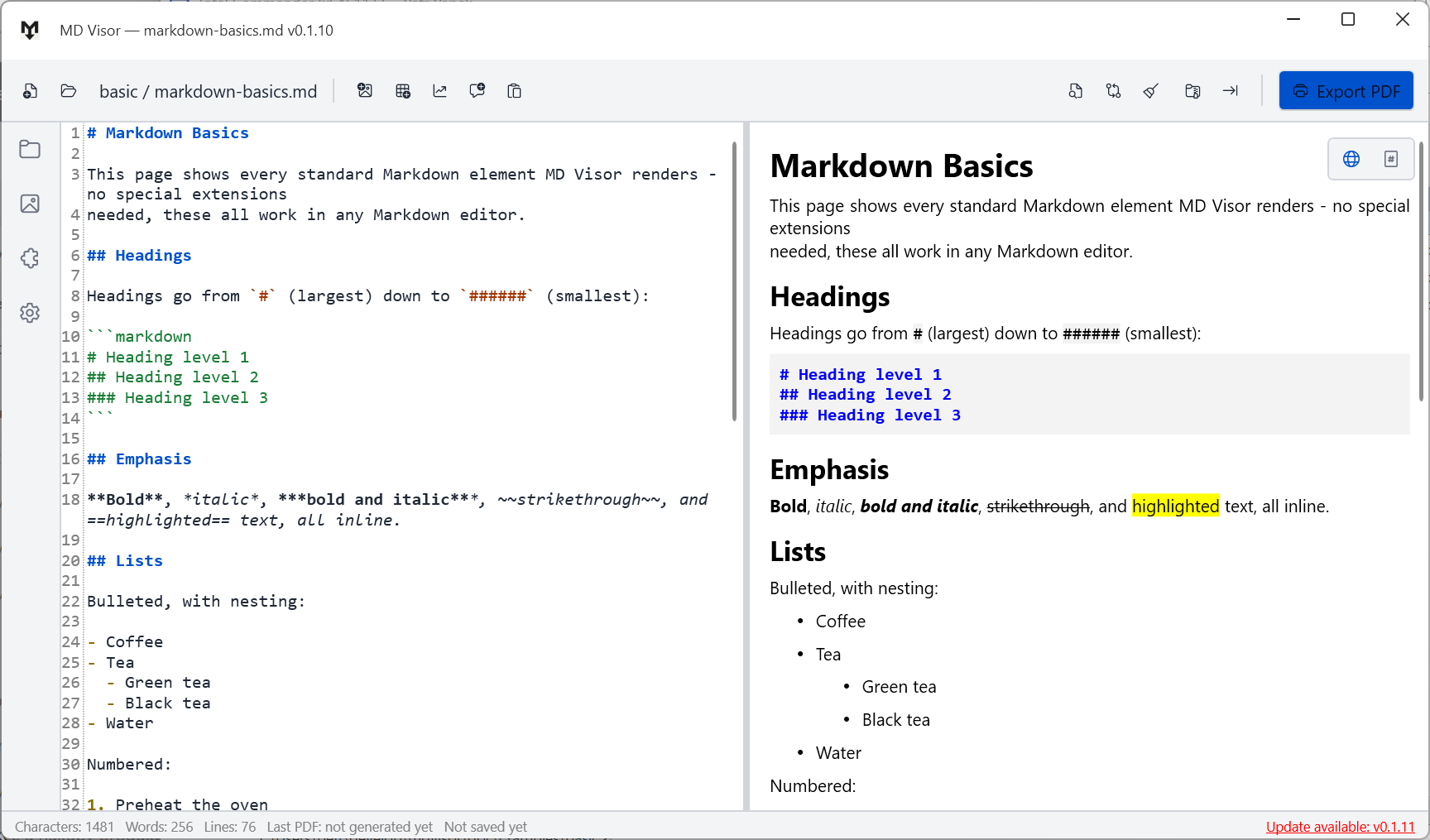
Markdown basics example screenshot
Getting started

Markdown Basics

The essentials in one document: headings, bold/italic, lists, tables, code blocks, task lists, and admonitions - a good first file to open and experiment with.

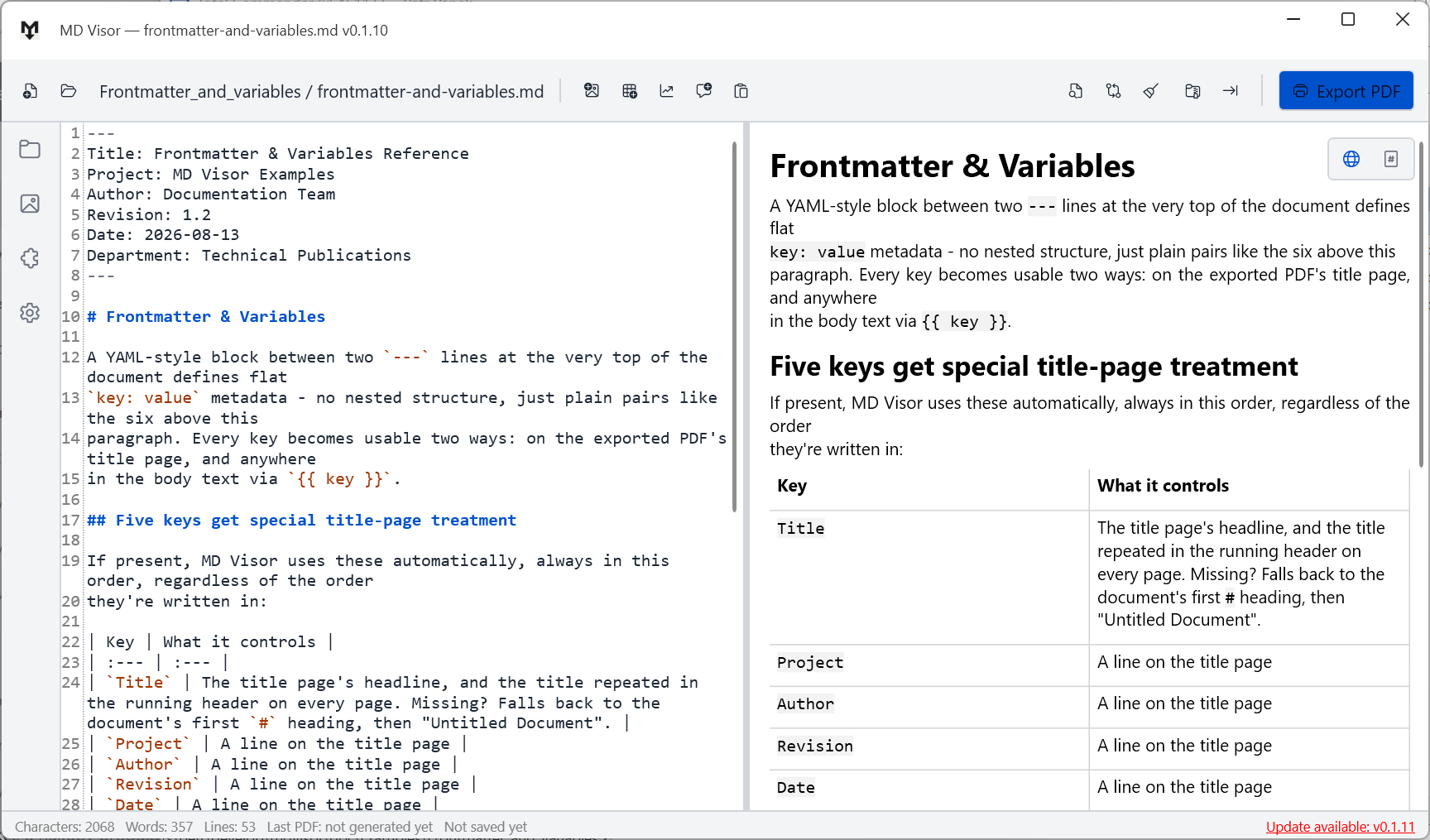
Frontmatter and variables example screenshot
Frontmatter & variables

Frontmatter & Variables

Which YAML frontmatter fields build the PDF title page automatically, which order they appear in, and how to reuse any of them anywhere in the body with {{ variable }}.

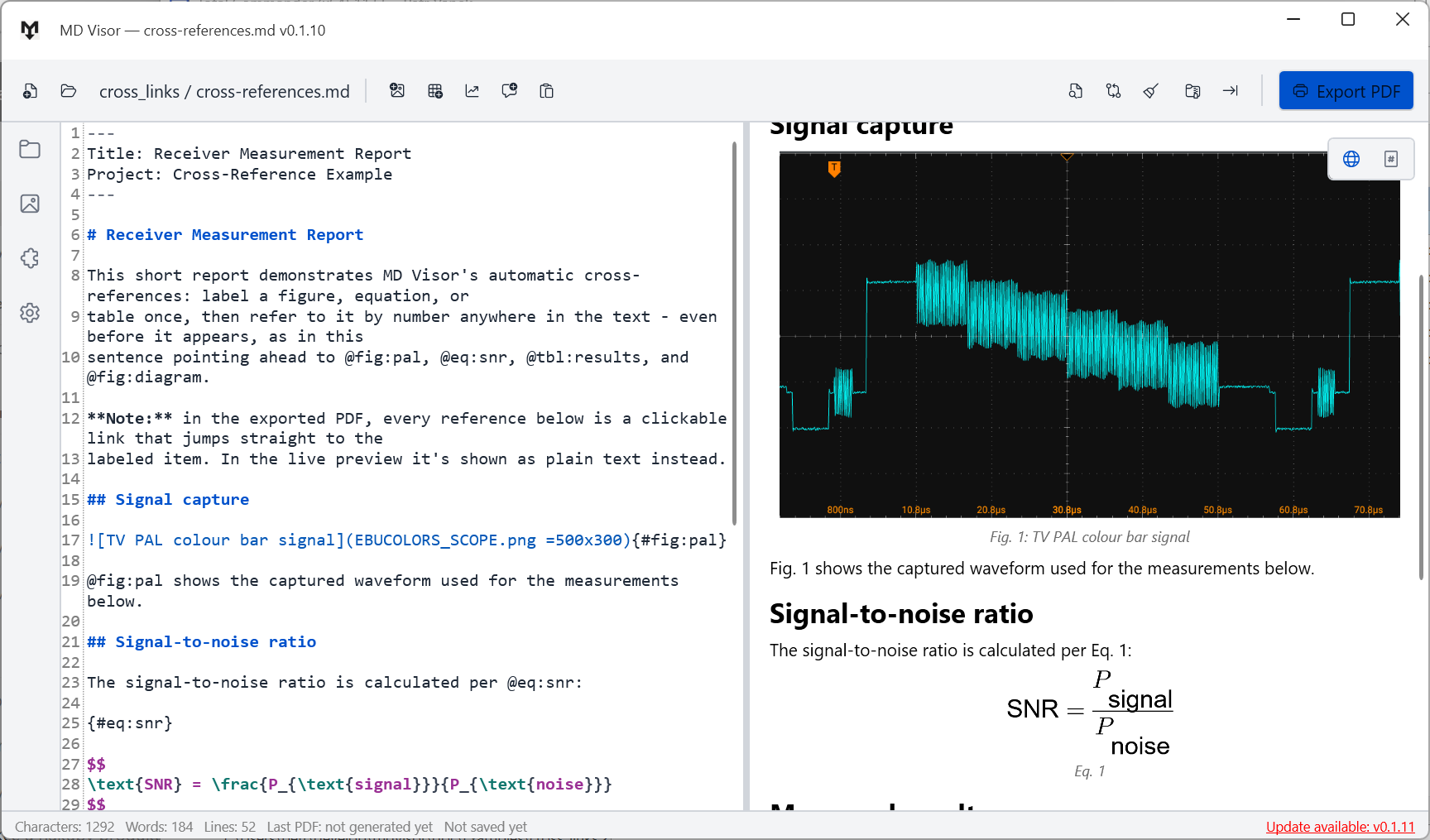
Cross-references example screenshot
Cross-references

Cross-References

Label a figure, equation, or table with {#fig:xxx} / {#eq:xxx} / {#tbl:xxx}, then reference it anywhere with @fig:xxx - numbering updates automatically and becomes a real clickable link in the exported PDF.

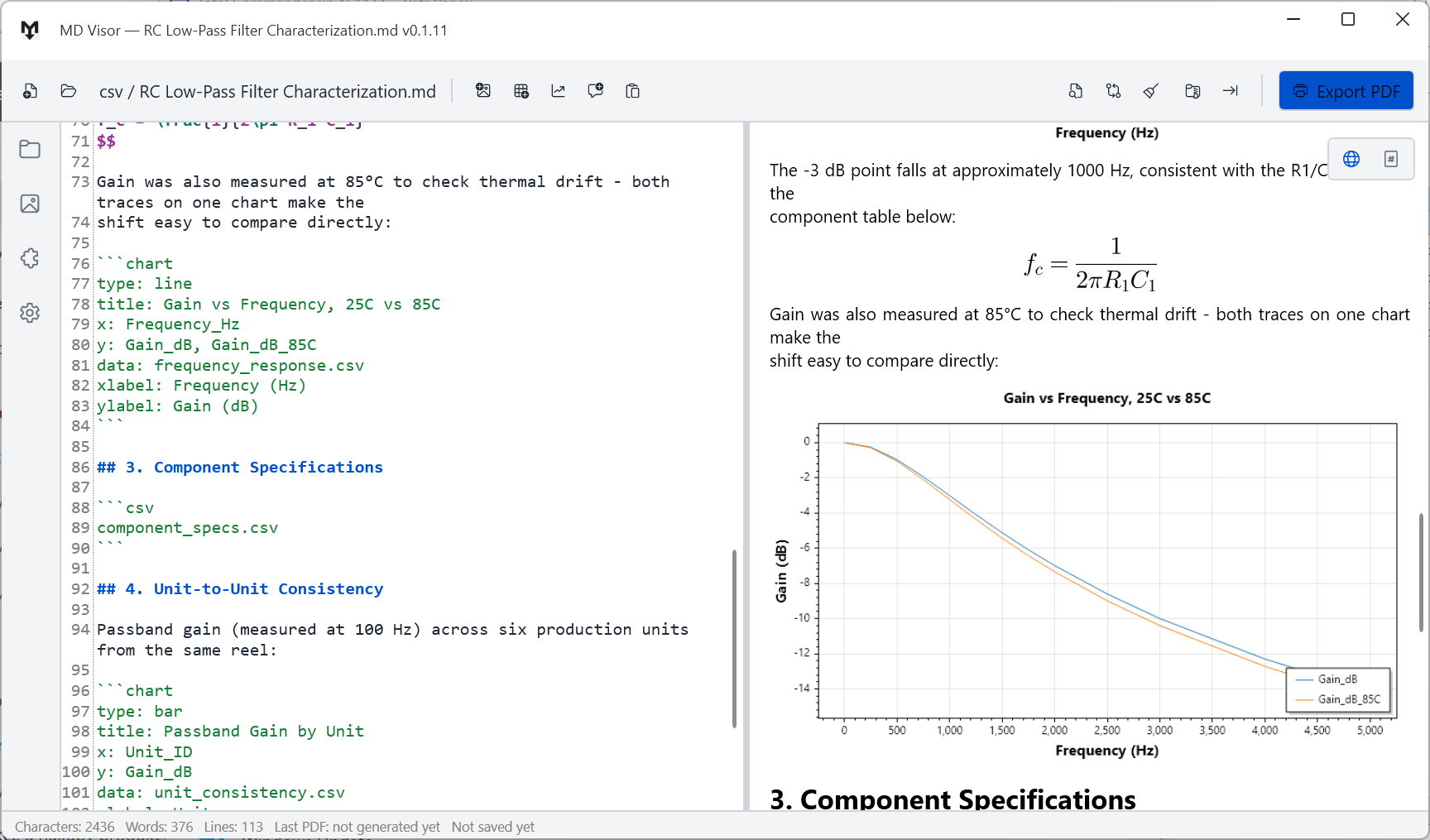
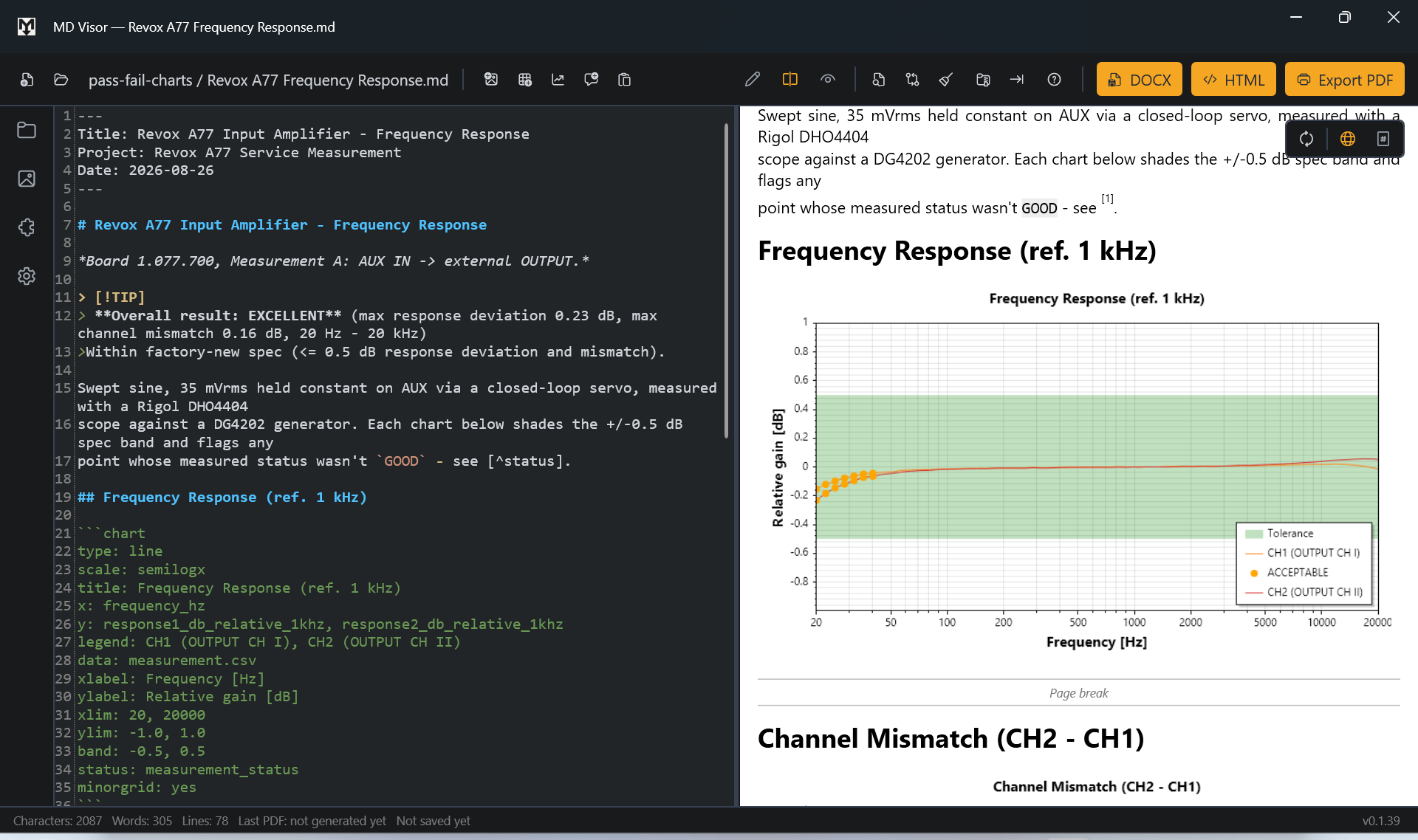
CSV data and charts example screenshot
CSV data & charts

CSV Data & Charts

A real RC low-pass filter measurement protocol - raw CSV data imported straight into the document and turned into line and bar charts without leaving Markdown.

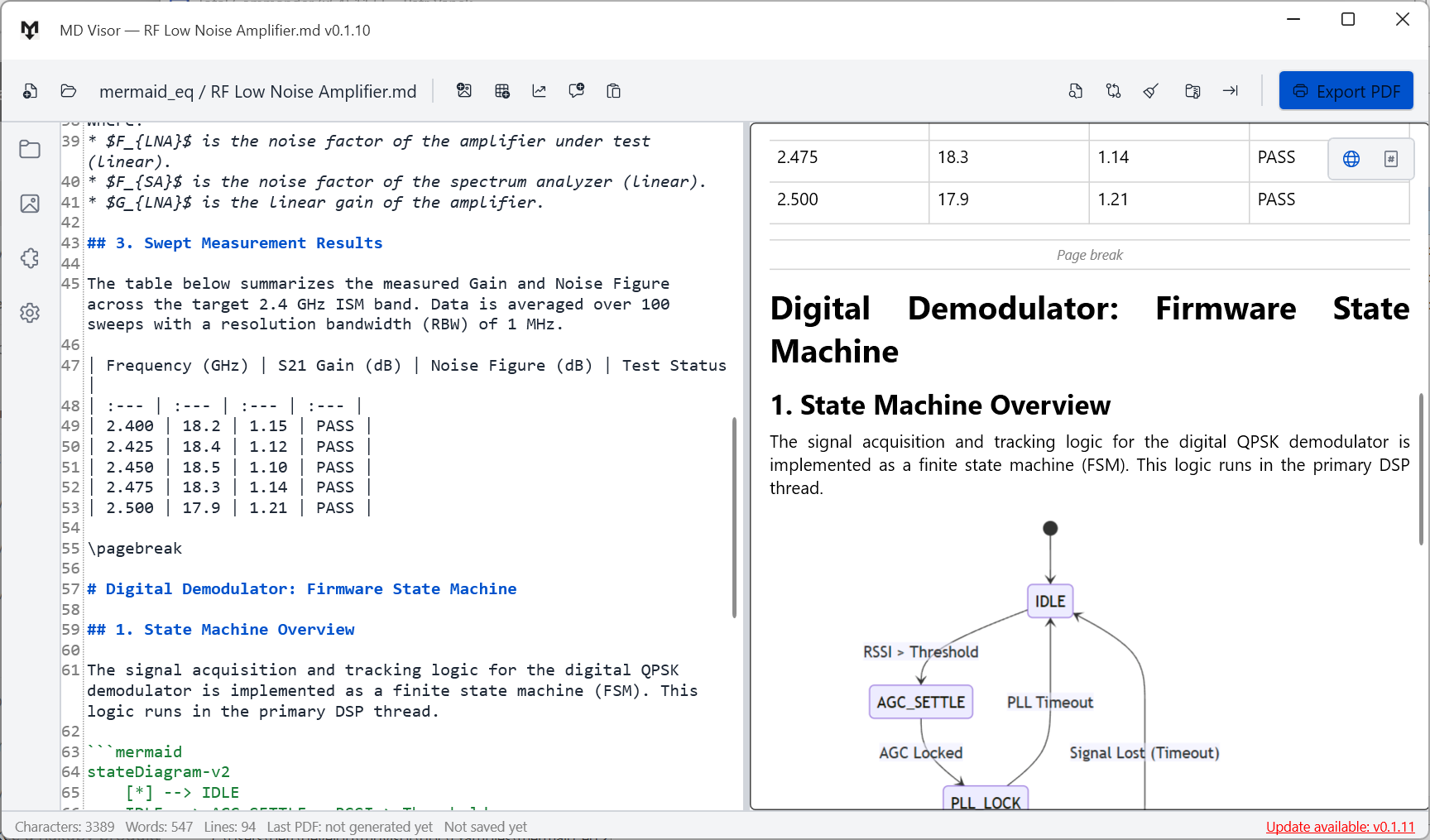
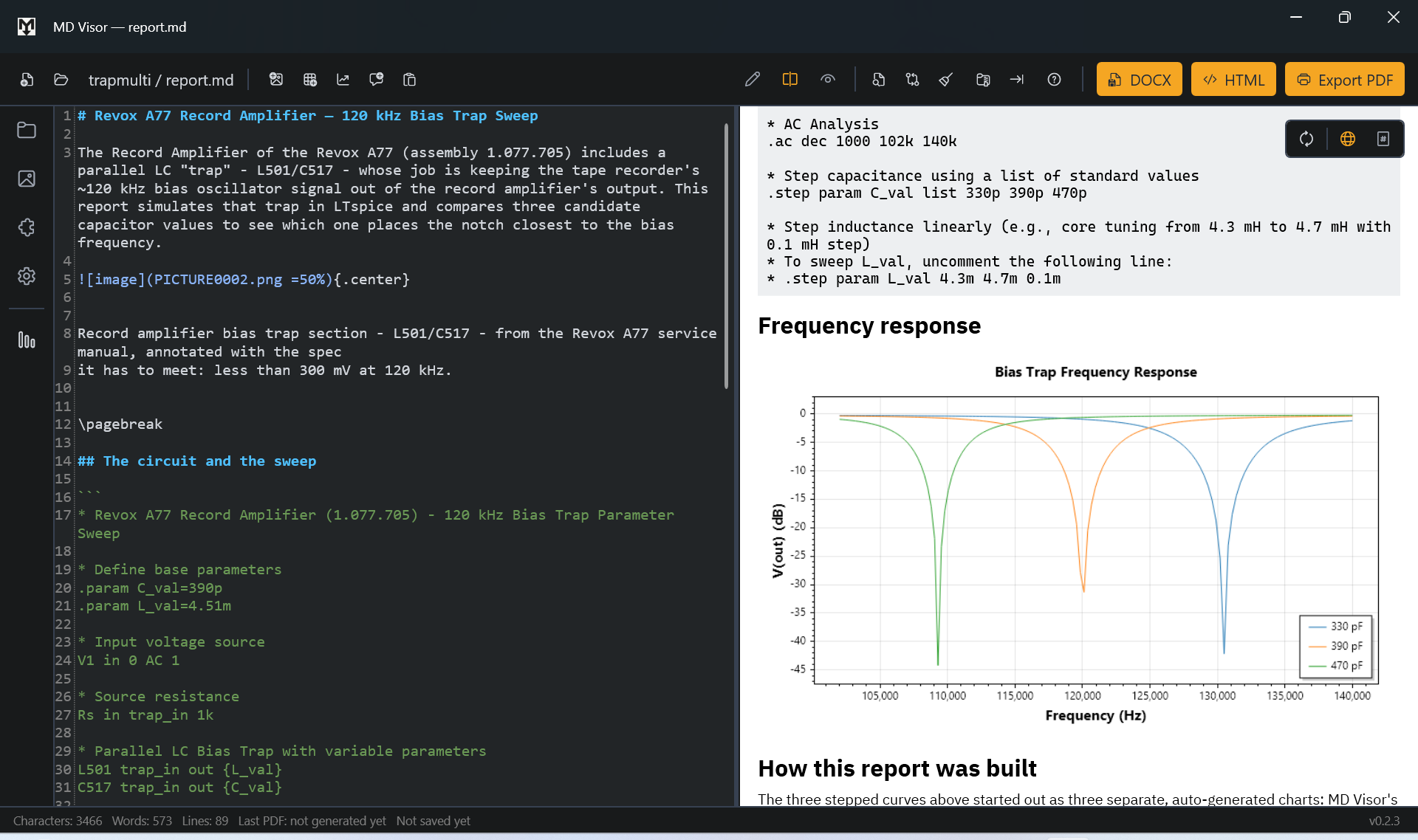
Mermaid diagrams and equations example screenshot
Mermaid & equations

Mermaid Diagrams & Equations

A real RF low-noise amplifier design writeup - Mermaid flowcharts and LaTeX equations side by side, rendered natively, no external tools involved.

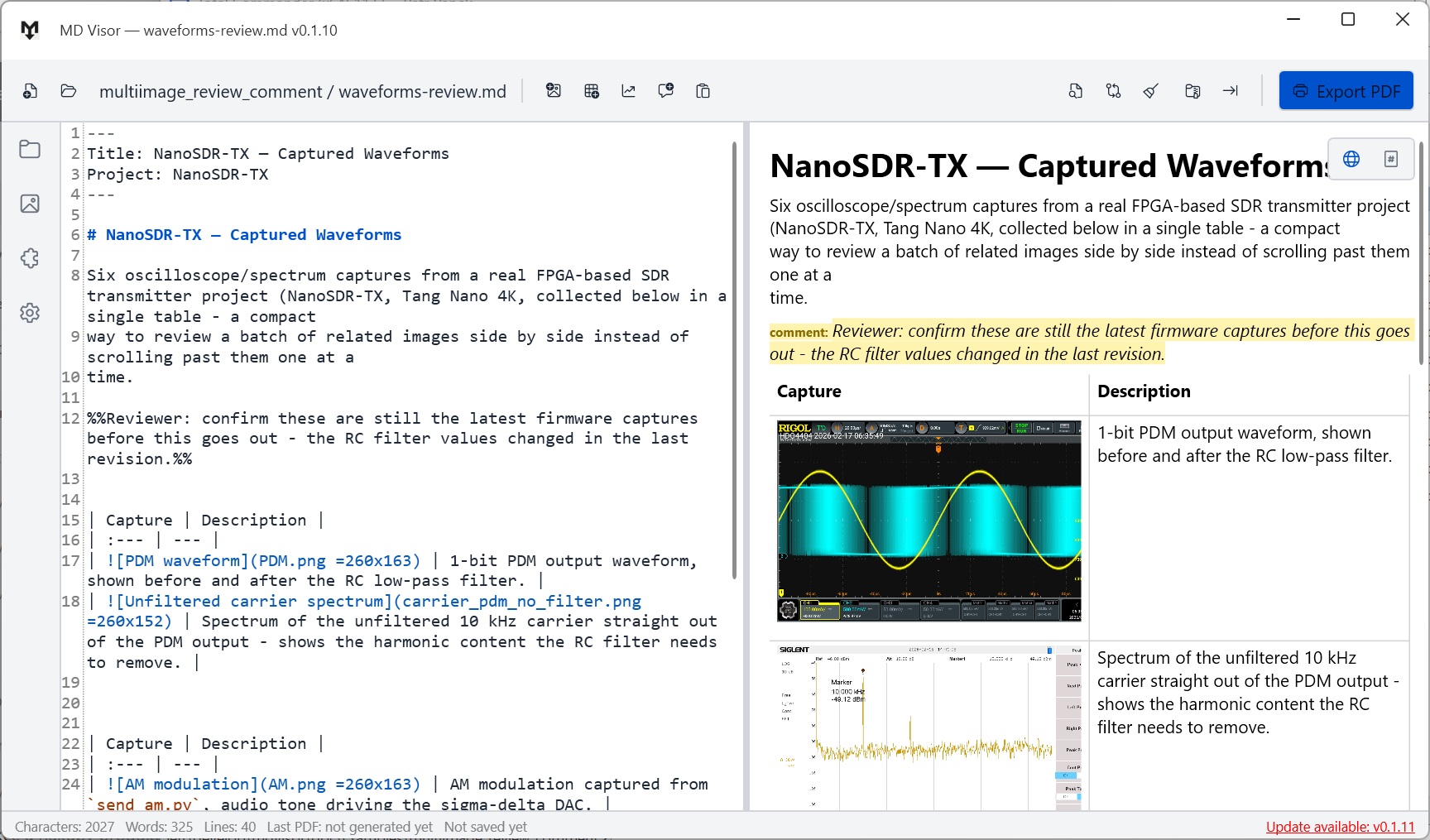
Multi-image table with review comments example screenshot
Multi-image tables & review comments

Multi-Image Tables & Review Comments

Several images laid out in a table with descriptions, plus %%editorial comments%% that stay visible in the live preview but are always stripped out of the exported/printed PDF automatically.

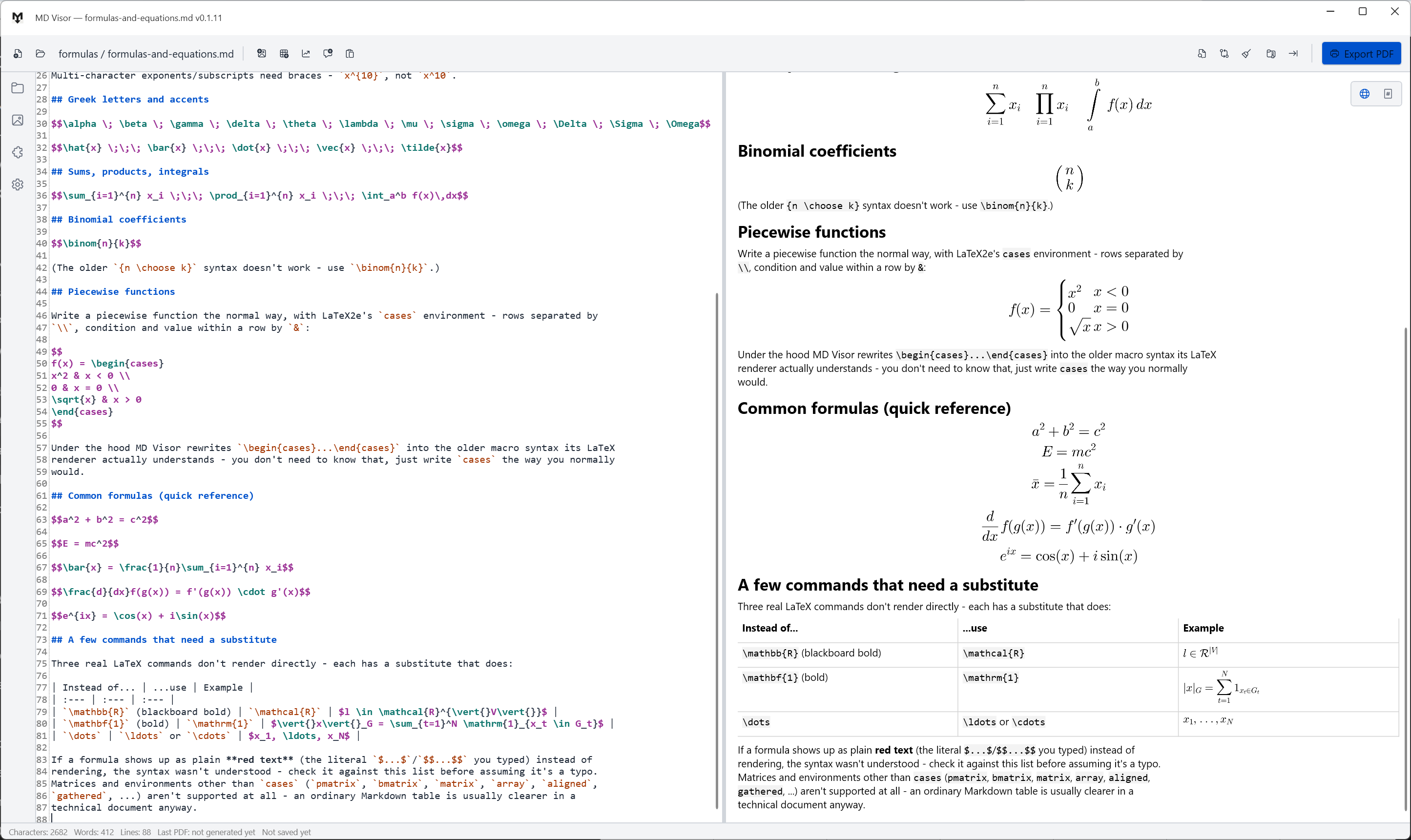
Formulas and equations example screenshot
Formulas & equations

Formulas & Equations

What LaTeX actually renders today - fractions, sums, integrals, Greek letters, and piecewise functions with cases - plus the handful of commands that need a substitute (see the full formula reference for the complete list).

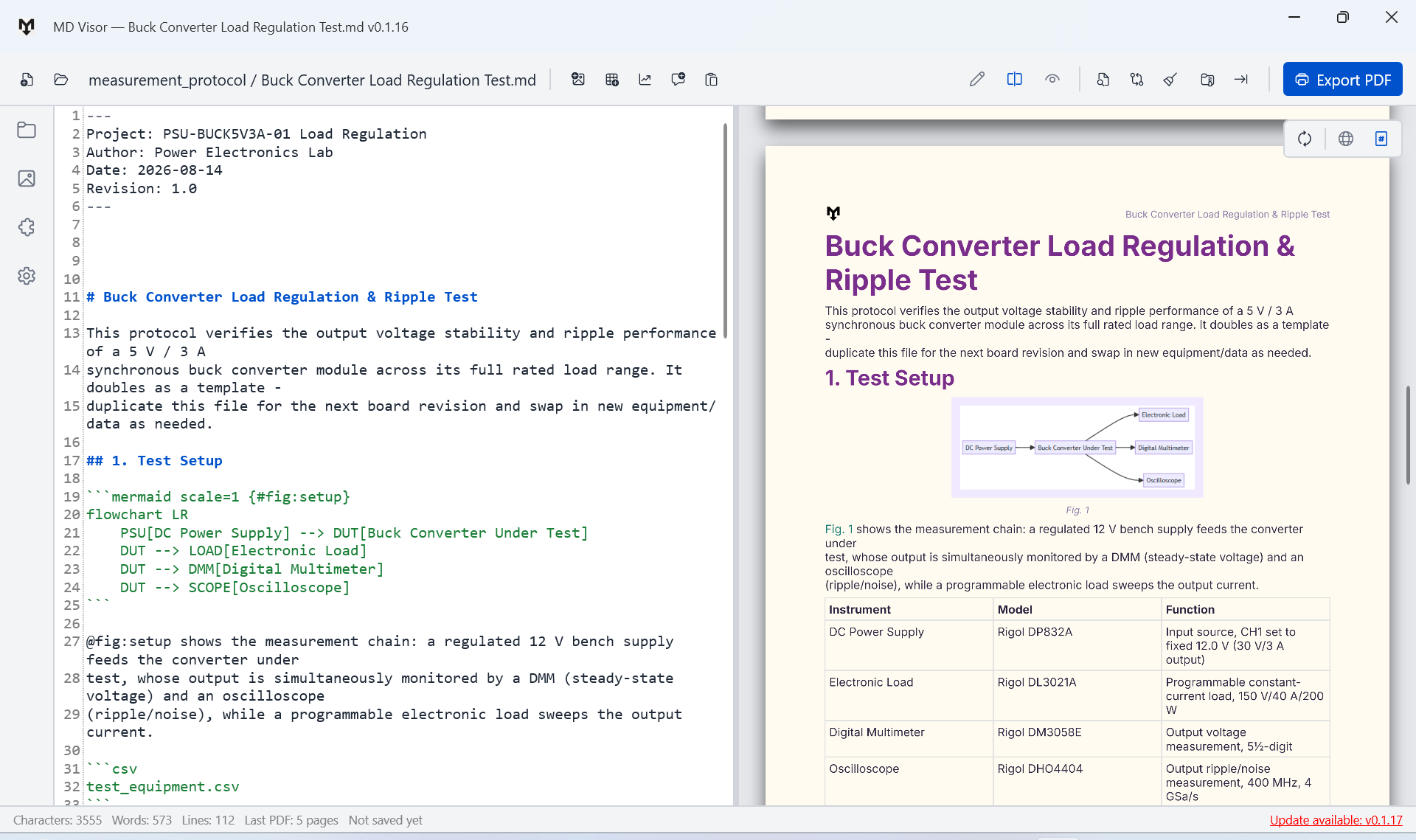
Buck converter load regulation test example screenshot
A complete example

Buck Converter Load Regulation Test

A genuine power-electronics test report using nearly everything at once - a Mermaid test-setup diagram, CSV-driven charts for load regulation and ripple, cross-referenced figures/equations/tables, a footnote, and admonitions - the closest thing to what a finished MD Visor document looks like in daily use. Styled with the Carnival document style profile.